If a user has forgotten their password for a protected directory, you can reset it easily in cPanel Directory Privacy. Follow the steps below:
Step-by-Step Guide
- Log in to cPanel.
- For help accessing your cPanel see Where do I log in to my hosting control panel.
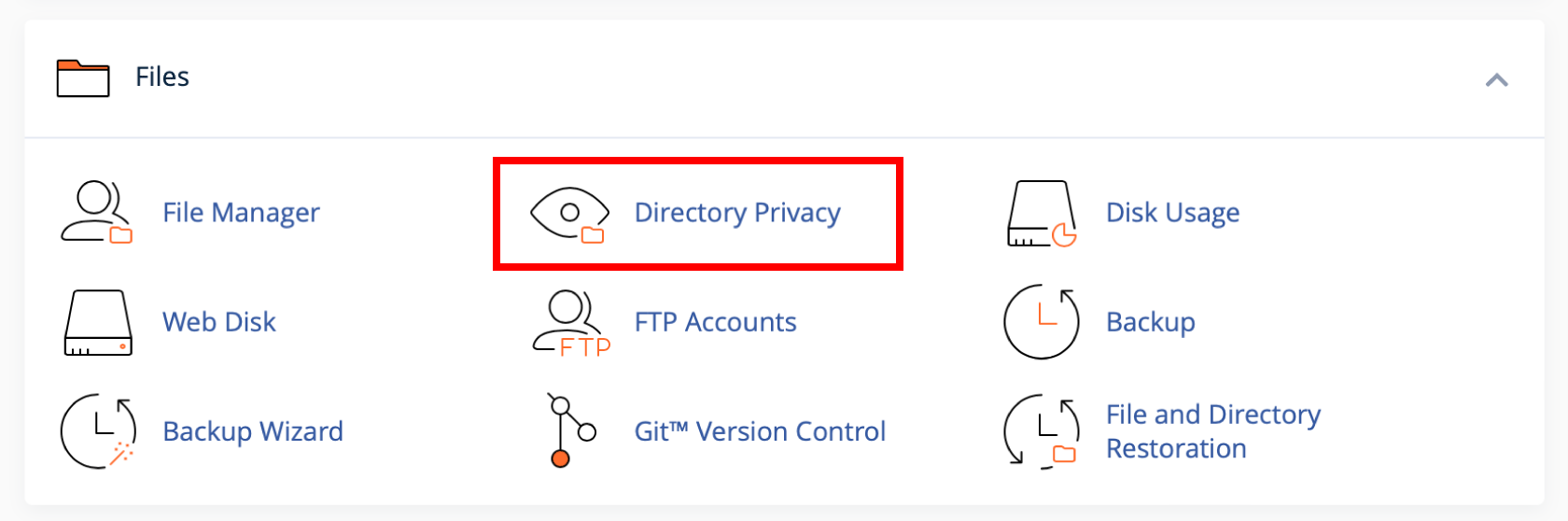
- Click Directory Privacy under the Files section.
- Navigate to the directory you want to manage and click Edit
- In Create User enter the same username as the user you want to reset.
- Enter a new password in both fields. Or use the Password Generator to create a new strong password.
- Click Save.
Notes
- The new password takes effect immediately.
- Make sure the new password is secure and shared only with the authorised user.
- If you’re unsure which username was used, you may need to check with the user or remove and re-add the user.
