Problem
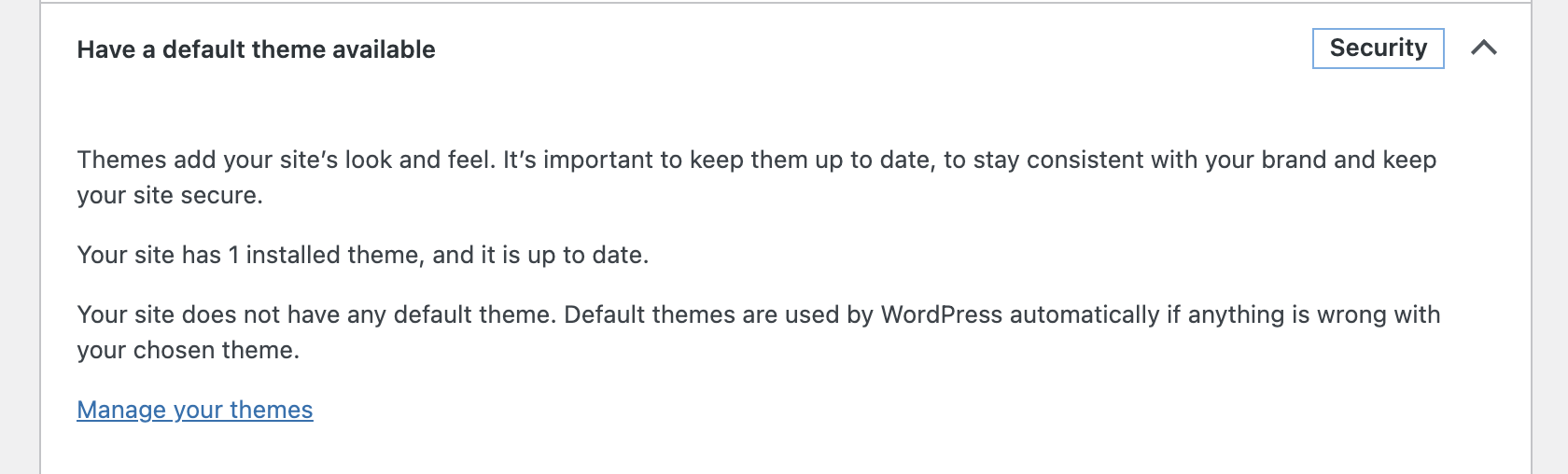
WordPress Site Health shows the recommended improvement ‘Have a default theme available’. Default themes are used by WordPress automatically if anything is wrong with your chosen theme.
Cause
The ‘Have a default theme available’ warning is shown when your website does not have one of the ‘WordPress.org’ default theme installed and instead you only have custom themes available.
Resolution
To fix install one of the default ‘By WordPress.org’ themes. These are:
- Twenty Twenty-One
- Twenty Twenty
- Twenty Nineteen
Steps to fix WordPress ‘Have a Default Theme Available’ warning
- Login to your WordPress Dashboard with your admin user details.
- From the left menu, click Appearance > Themes
- Click Add New.
- Search for Twenty Twenty-One
- Move your mouse over the Twenty Twenty-One theme and click Install
Please note: Do not click Activate as this will change your website’s active theme.
After installing the default theme Site Health will clear the ‘Have a default theme available’ warning.
