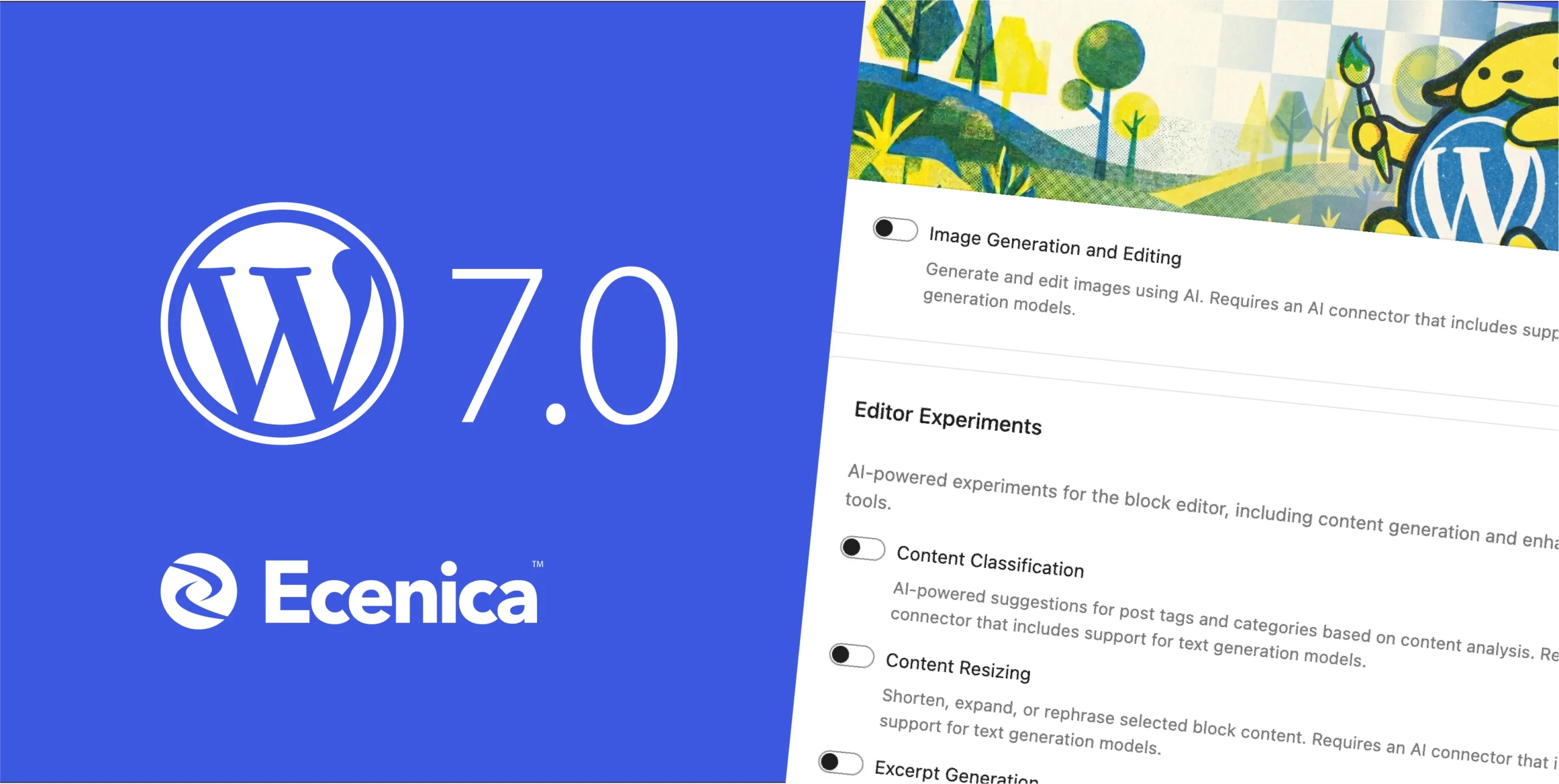
WordPress 7.0 landed last week, and this isn’t another incremental update. For the first time in WordPress history, AI is built directly into the platform not through plugins, not through third-party services, but woven into the core software itself.
If you run a WordPress site, this matters. If you’re building sites for clients, this changes how you work. And if you’ve been watching AI transform other industries while wondering when it would reach your website, the answer is now.
Ecenica Managed WordPress Hosting customers get WordPress 7.0 today, with the infrastructure, automatic updates, and secure staging environments that make exploring these AI features safe and straightforward.
What WordPress 7.0 “Armstrong” Actually Brings
Named after jazz legend Louis Armstrong—who transformed solo performance in music—WordPress 7.0 transforms what’s possible with your website.
AI Built Into WordPress Core
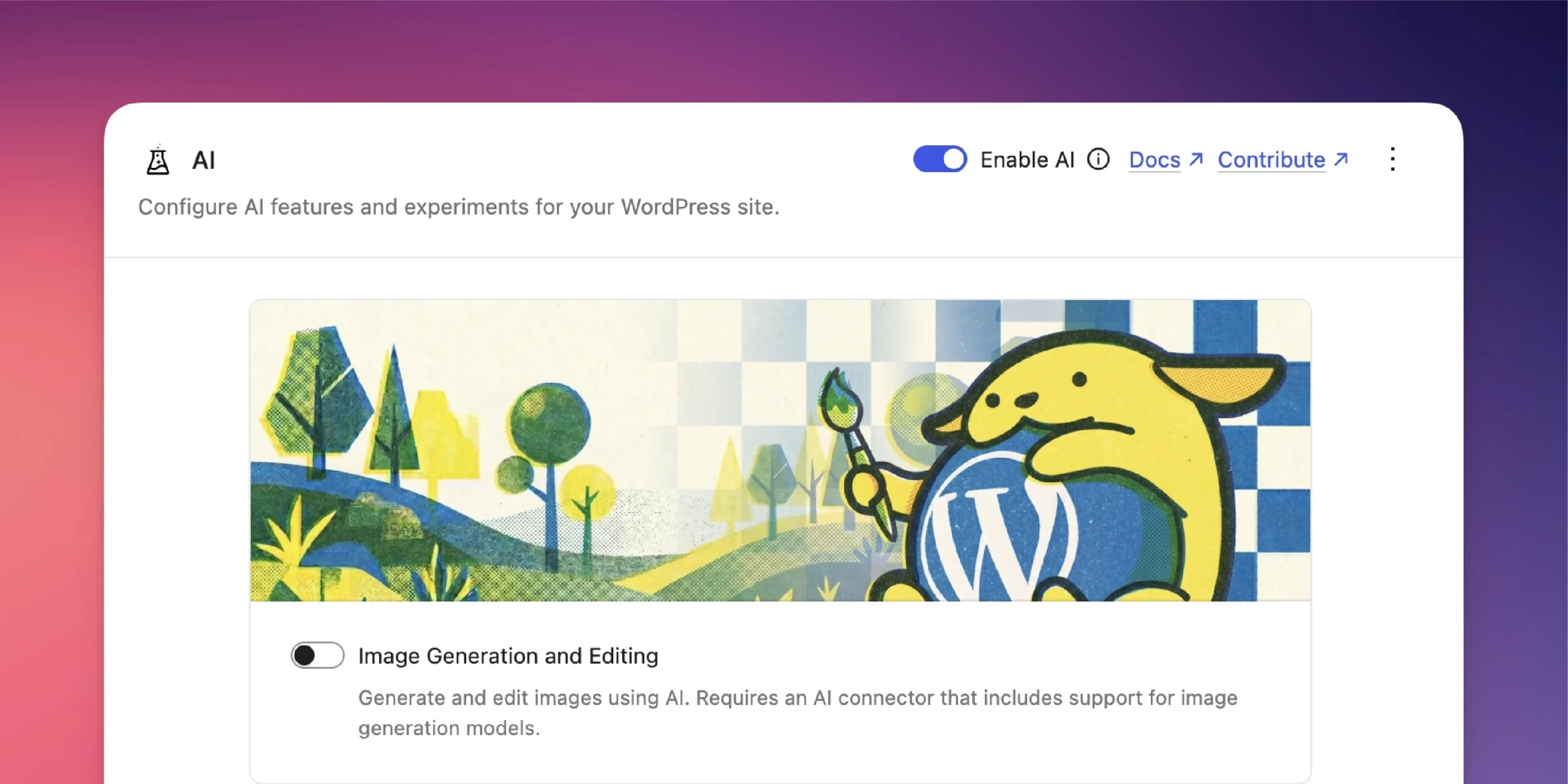
WordPress 7.0 introduces three foundational AI systems that work together:
The AI Client connects WordPress directly to AI models from providers like OpenAI, Google Gemini, and Anthropic Claude. You pick the provider, authenticate through a central hub in your dashboard, and WordPress handles the connection. No separate plugin required.
The Abilities API defines what AI can do on your site: generate alt text for images, suggest titles and excerpts, create content drafts, or analyse existing pages. Developers can build custom abilities, and non-technical users can trigger them with a few clicks.
The Connectors screen manages all external AI connections in one place. Add your API keys, test connections, and control which AI features run on your site. Three preset configurations get you started immediately.
What this means: You can now ask WordPress to write image descriptions for accessibility, generate SEO-friendly meta descriptions, draft social media posts from your blog content, or suggest content improvements all without leaving the dashboard.
A Modernised Dashboard That Finally Feels Modern
WordPress 7.0 ships with a visual overhaul:
- New colour scheme across the entire admin interface. Cleaner, more readable, less cluttered
- Smooth transitions between screens instead of jarring page reloads
- Command Palette activated with
⌘K(Mac) orCtrl+K(Windows). Jump to any admin function from anywhere - Visual revision scrubbing shows what changed between versions at a glance
- Dedicated font management page for installing and managing typography across your site
The command palette alone transforms how you work: type “new post,” “media library,” “plugins,” or “users,” and you’re there. No hunting through menus.
Four New Blocks for Better Content
WordPress 7.0 adds blocks that solve real problems:
- Gallery Block with Lightbox displays images in a slideshow without a plugin
- Breadcrumbs Block improves navigation and SEO
- Icons Block adds visual detail to your designs
- Heading Block gives finer control over markup and accessibility
Responsive Design Controls That Actually Work
You can now hide or reveal blocks based on device type, for example, show a detailed chart on desktop but hide it on mobile, without affecting other screen sizes. Breakpoints are customisable, so your design adapts exactly how you want.
Custom Menu Overlays
Design your mobile navigation overlay using blocks and patterns. Add columns, custom typography, or embed a close button styled to match your brand. Start with a template or build from scratch.
Developer Tools for Faster Builds
WordPress 7.0 expands the Block API: register blocks server-side using only PHP. No JavaScript build process required for simple blocks. The Site Editor gains routing and validation, and a new wordpress/boot package lets plugins build custom admin pages.
Why This Release Matters for Your Business
WordPress 7.0 isn’t about chasing trends. It’s about giving you tools that save time, improve accessibility, and let you compete with businesses spending thousands on custom development.
AI-generated alt text means your images become accessible to screen readers without manual work. Google rewards accessible sites with better rankings.
AI-suggested meta descriptions give you SEO-optimised snippets in seconds instead of staring at a blank field wondering what to write.
The command palette cuts admin navigation time from minutes to seconds. Over a week, that’s hours back.
Visual revision history makes editorial decisions faster and safer. See what changed, restore instantly, move on.
These aren’t flashy features. They’re productivity multipliers.
What You Need to Run WordPress 7.0
WordPress 7.0 requires PHP 7.4 or higher. If you’re on an older version, you’ll need to upgrade before updating WordPress.
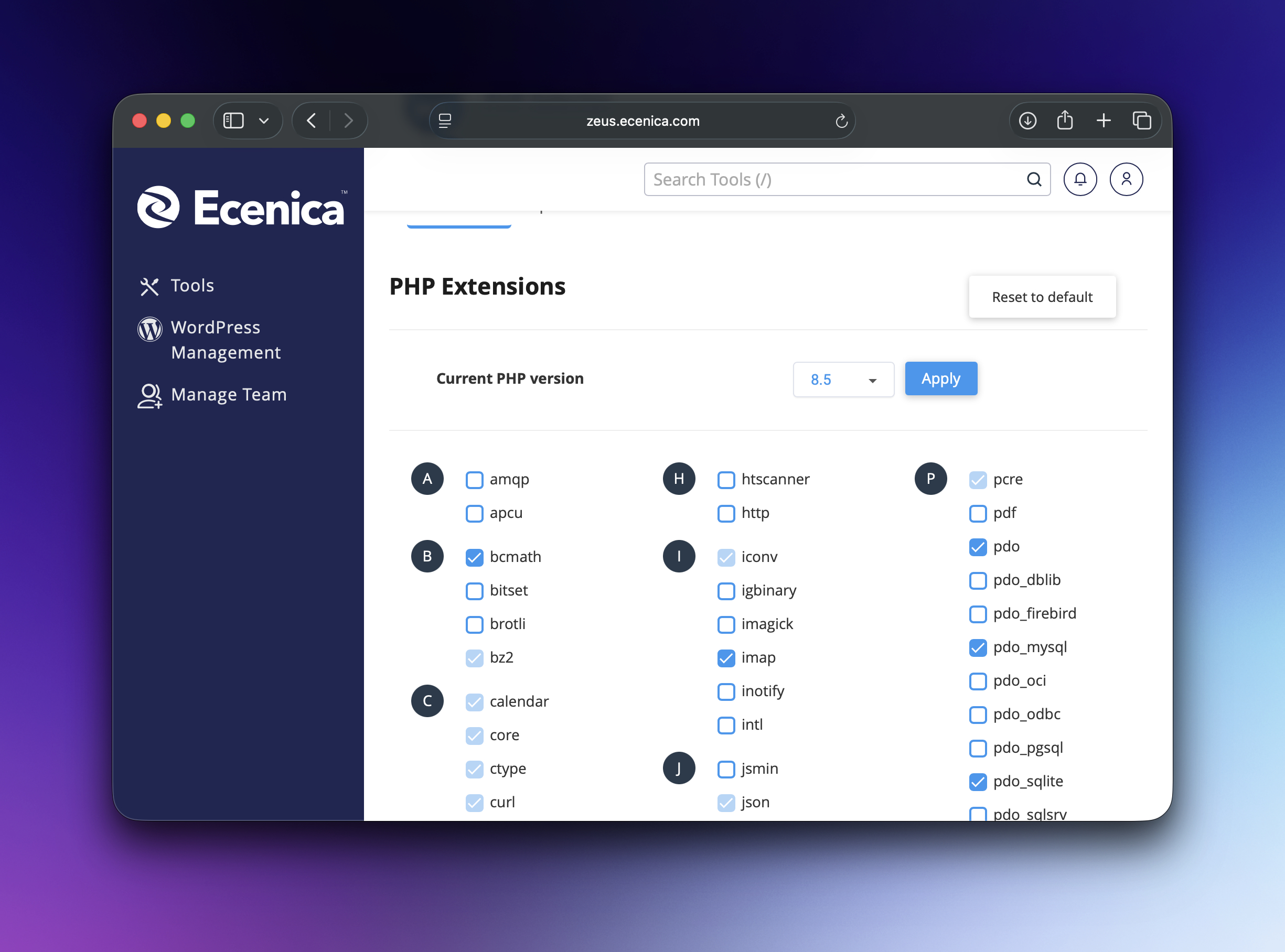
On Ecenica Managed WordPress Hosting, PHP version management is handled through your dashboard in seconds. Pick PHP 8.3 (our recommendation for performance and security), test on staging, and apply to production. No command line, no support ticket, no downtime.
How Ecenica Managed WordPress Makes AI Features Work Better
WordPress 7.0’s AI features need three things to work well: reliable infrastructure, frequent updates, and a safe space to experiment. Ecenica provides all three.
Infrastructure Built for AI Workloads
AI features send more requests to external APIs than traditional WordPress workflows. Your hosting needs to handle those connections quickly and consistently.
Ecenica’s UK datacentres and optimised server stack ensure API calls to OpenAI, Google, or Anthropic don’t slow down your site. SSL certificates are automatic, connections are encrypted, and rate limits are managed so AI features stay responsive even during traffic spikes.
Automatic Core Updates Keep You Current
WordPress 7.0 is the first AI release, not the last. WordPress 7.1 will expand abilities, 7.2 will add features, and staying current means getting those improvements the moment they’re stable.
On Managed WordPress Hosting, core updates apply automatically. You wake up to WordPress 7.0 already installed, already secured, already working. No manual downloads, no FTP uploads, no version-checking anxiety.
If you prefer control, disable auto-updates and apply them manually through your Ecenica Dashboard. Either way, your site stays on the latest stable release without technical overhead.
Staging Environments Let You Test AI Features Safely
Experimenting with AI abilities on a live site is risky. What if generated alt text doesn’t match your brand voice? What if an AI-suggested meta description tanks your click-through rate?
Ecenica’s staging environments clone your live site, let you test WordPress 7.0’s AI features with real content, and roll changes to production only after you’ve verified they work. Test AI-generated content, try different providers, tweak settings all without affecting visitors.
Daily Backups Protect Your Content
AI features generate content. Sometimes that content needs to be reverted. Ecenica’s nightly automated backups mean you can restore to any previous state with one click.
Tried an AI ability that overwrote something important? Restore yesterday’s backup. Tested a new AI provider and didn’t like the results? Roll back. Your content is protected whether you’re experimenting with AI or running business as usual.
UK-Based Support Who Understand WordPress AI
WordPress 7.0 introduces concepts most hosting support teams don’t yet understand: AI Clients, Abilities APIs, Connector authentication. Ecenica’s UK-based support team has been testing WordPress 7.0 since the beta releases.
When you have a question about connecting an AI provider, troubleshooting an API error, or configuring abilities, you reach people who’ve already worked through it. Phone and live chat, not a ticket queue that resolves in 48 hours.
How to Get WordPress 7.0 on Ecenica
If you’re already on Managed WordPress Hosting, WordPress 7.0 updates automatically. Log in tomorrow and the Connectors screen will be waiting.
If you’re running WordPress elsewhere, migrating to Ecenica Managed WordPress Hosting gives you:
- WordPress 7.0 pre-installed and configured
- NVMe, LiteSpeed, Redis and PHP 8.5 powered servers for blazing fast performance..
- Free SSL certifcates
- Staging environments for safe AI experimentation
- Daily backups protecting your content
- Automatic security patches
- UK-based support ready to help
We handle the technical infrastructure. You focus on building with AI.
What’s Next for WordPress and AI
WordPress 7.0 lays the foundation. Future releases will expand abilities, add more AI providers, and integrate AI deeper into content workflows.
Real-time collaboration. Originally planned for 7.0 but delayed for stability will arrive in a future release, letting multiple users edit the same post simultaneously while AI assists in the background.
The WordPress ecosystem will respond with plugins and themes optimised for AI abilities. Developers will build custom abilities tailored to specific industries. Content creators will automate tasks that currently take hours.
The question isn’t whether AI features will matter to your WordPress site. It’s whether your hosting can support them when they do.
Get Started with WordPress 7.0 on Ecenica
WordPress 7.0 “Armstrong” represents the biggest shift in WordPress capabilities since the block editor launched in 2018.
Ecenica Managed WordPress Hosting gives you the infrastructure, updates, and support to use these features confidently. Whether you’re experimenting with AI-generated alt text today or planning a complete AI-assisted content workflow next year, your hosting won’t be the bottleneck.
Ready to explore WordPress 7.0 with hosting built for it? View our Managed WordPress Hosting plans designed for UK businesses who want performance, security, and expert support.
Already running WordPress? Contact our team to discuss migrating to Managed WordPress Hosting and getting WordPress 7.0’s AI features working on your site.
What You Should Know About WordPress 7.0
When did WordPress 7.0 release?
WordPress 7.0 “Armstrong” launched on 20 May 2026. Ecenica Managed WordPress Hosting customers receive the update automatically.
Do I need to upgrade to use AI features?
Yes. AI functionality is exclusive to WordPress 7.0 and requires updating from previous versions. Ecenica handles core updates automatically on Managed WordPress plans.
Which AI providers does WordPress 7.0 support?
WordPress 7.0’s AI Client connects to OpenAI, Google Gemini, and Anthropic Claude by default. Developers can add custom providers through the Connectors API.
Will AI features slow down my site?
Not if your hosting handles API connections properly. Ecenica’s infrastructure is optimised for external API calls, ensuring AI features stay responsive without affecting page load times.
Can I try WordPress 7.0 before updating my live site?
Yes. Ecenica’s staging environments let you test WordPress 7.0’s AI features on a clone of your site before pushing changes to production.
What PHP version does WordPress 7.0 require?
PHP 7.4 minimum. Ecenica supports PHP 8.5 for best performance and security. Upgrade your PHP version through your Ecenica Dashboard in seconds.
How much do AI features cost?
WordPress 7.0’s AI infrastructure is free. API calls to AI providers (OpenAI, Google, Anthropic) cost based on usage. Typically pence per request. You bring your own API key and pay the provider directly.
Is WordPress 7.0 stable for production sites?
Yes. WordPress 7.0 reached general availability on 20 May 2026 after extensive testing. Over 900 contributors and 70+ localisation teams validated the release.
WordPress 7.0 is available now on all Ecenica Managed WordPress Hosting plans. Existing customers receive automatic updates. New to Managed WordPress? Explore our plans or contact our team to get started.