What is DKIM Email Authentication?
DKIM Email Authentication helps to verify the emails you have sent from your Ecenica email addresses. It adds a digital signature to all emails sent from your domain which can be used by recipients to check that the email you send really did come from your domain and Ecenica account.
DKIM makes it less likely emails you send will end up in a spam folder and reduces the chance someone can ‘spoof’ your email address.
How to enable DKIM Email Authentication
- Log in to cPanel.
- For help accessing your cPanel see Where do I log in to my hosting control panel.
- Click Email Deliverability
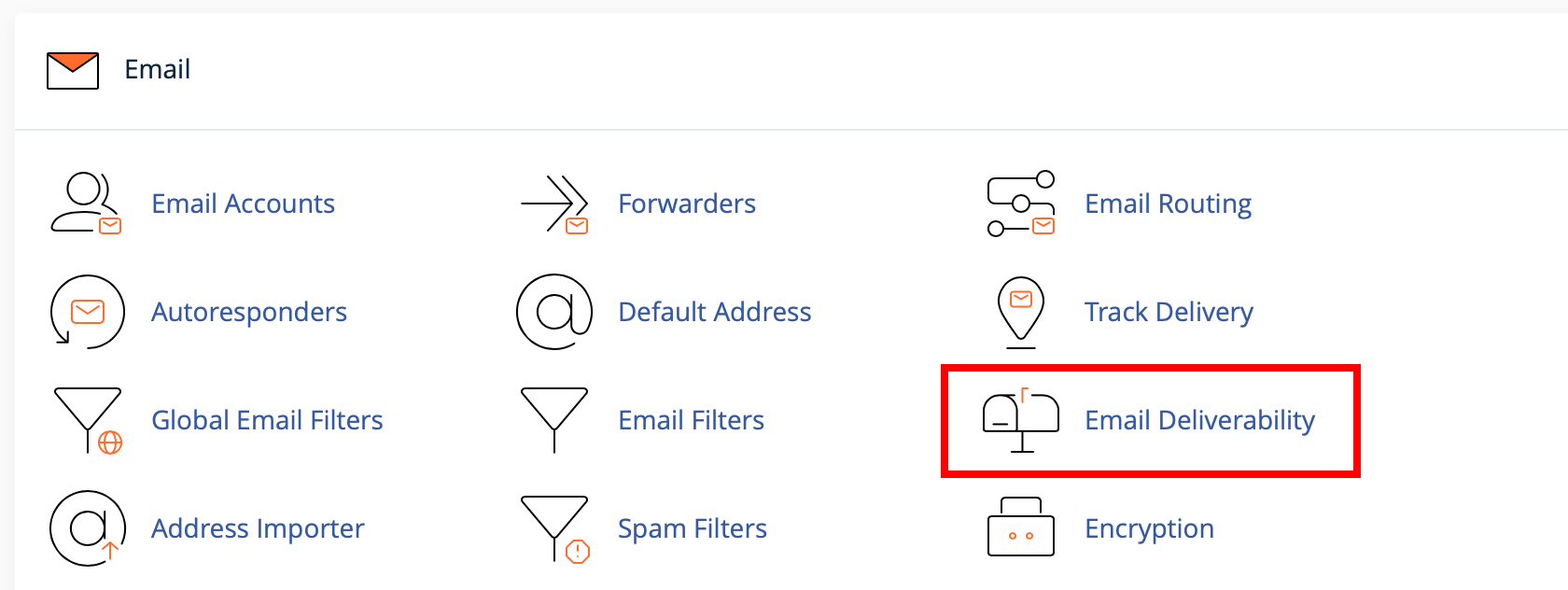
- Click Manage next to your domain you wish to enable DKIM on.
- Under DKIM, click Install the suggested record
If you see “DKIM has been enabled” it means Ecenica DKIM email authentication has been setup for your Ecenica account.
All emails sent from your Ecenica email addresses via our servers will be signed with your unique DKIM key.
