Follow the steps below to push your staging copy of your WordPress website live.
Steps to push a staging site live
- Log in to cPanel.
- For help accessing your cPanel see Where do I log in to my hosting control panel.
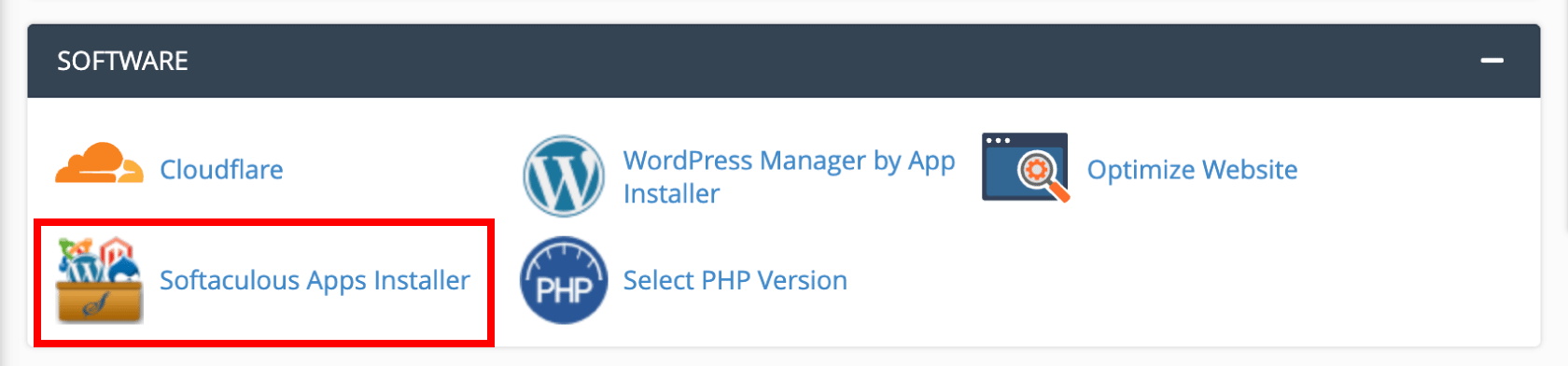
- Click Softaculous Apps Installer
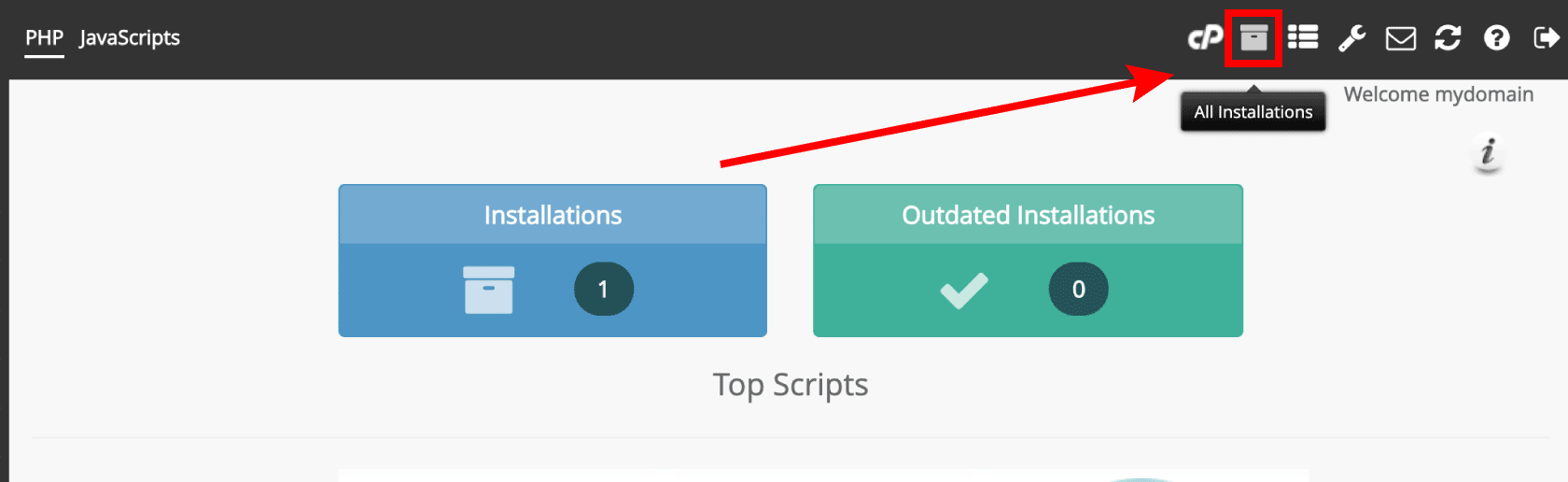
- Click All Installations
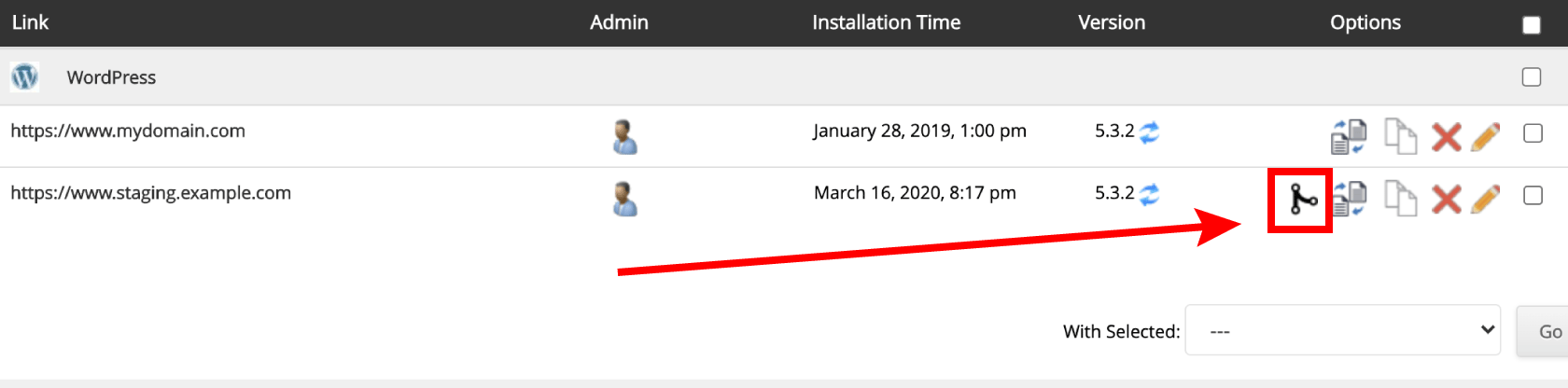
- Click Push to Live for the WordPress website you wish to create a copy of.
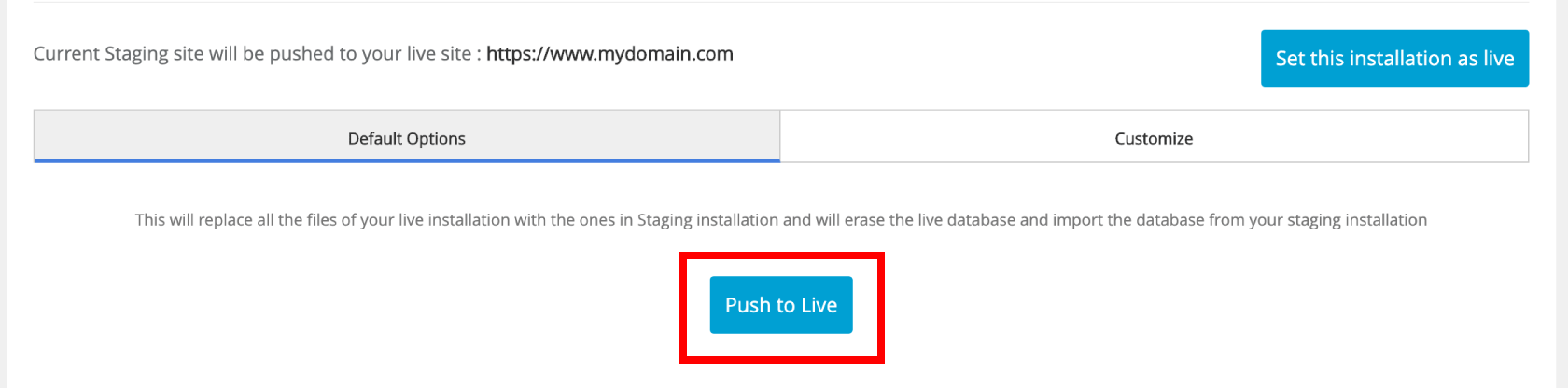
- Default options will replace all the files and database of your live site with your staging copy. Click Customize to change these settings. When ready click Push to Live