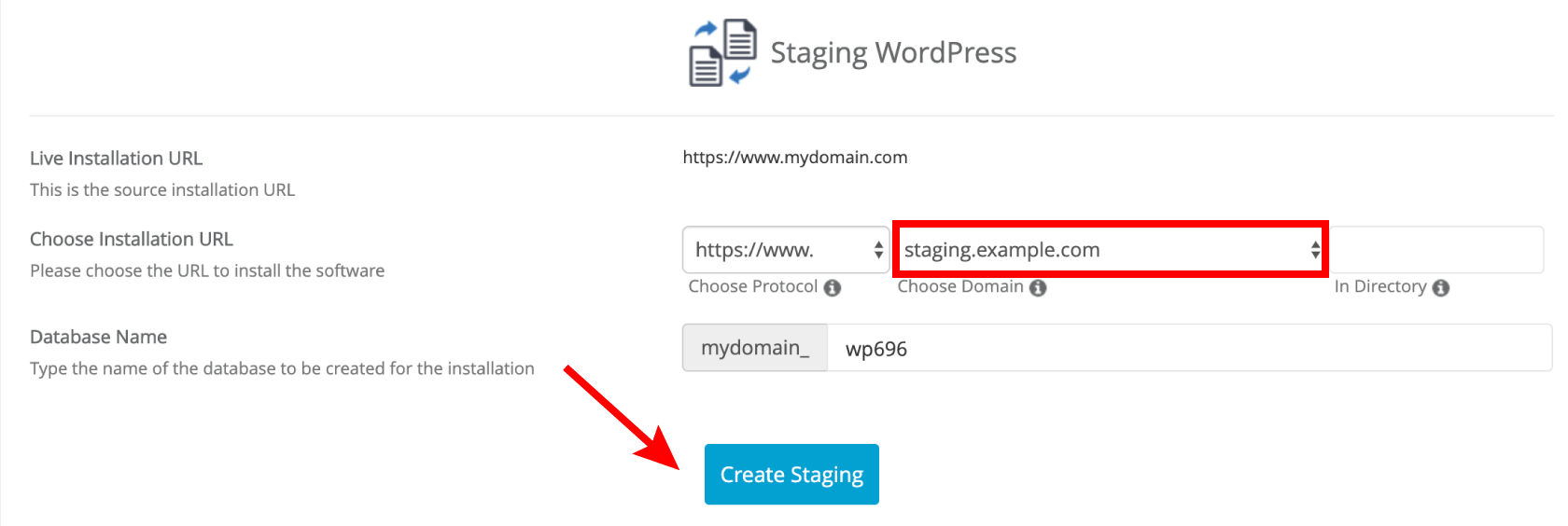
Follow the steps below to create a staging copy of your WordPress website.
Steps to create a staging copy of your website
- Log in to cPanel.
- For help accessing your cPanel see Where do I log in to my hosting control panel.
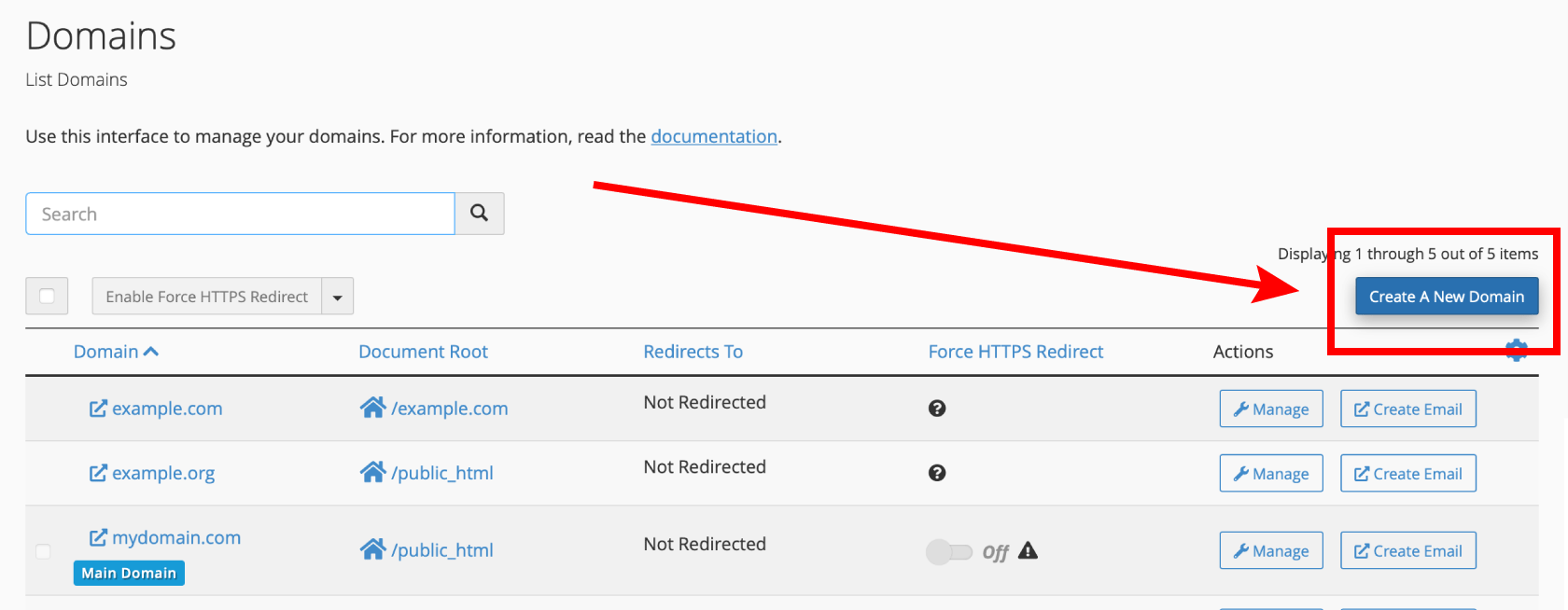
- Click Domains.

- Click Create A New Domain.
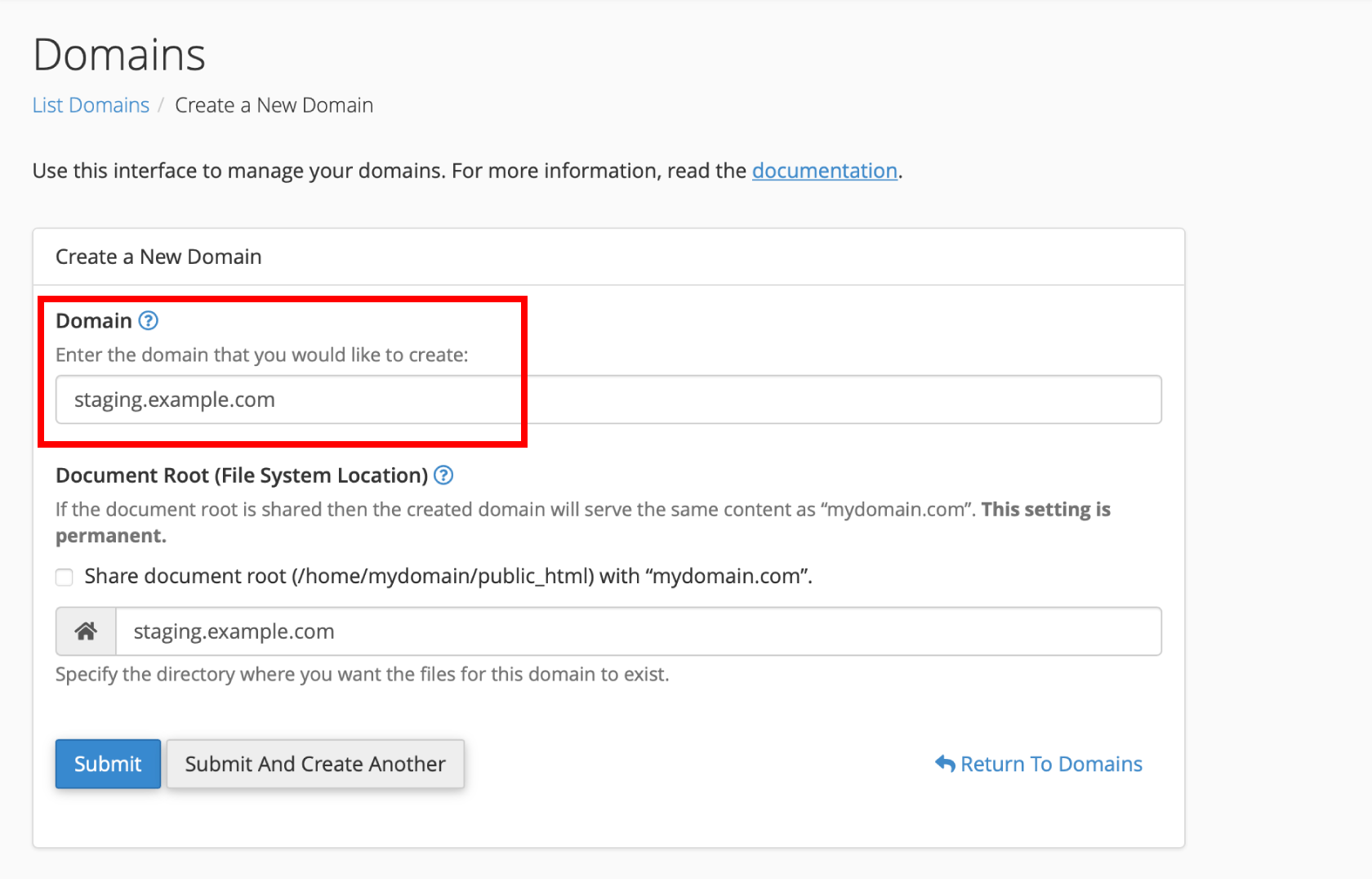
- Enter the subdomain you wish to create. E.g. staging.example.com. Click Submit
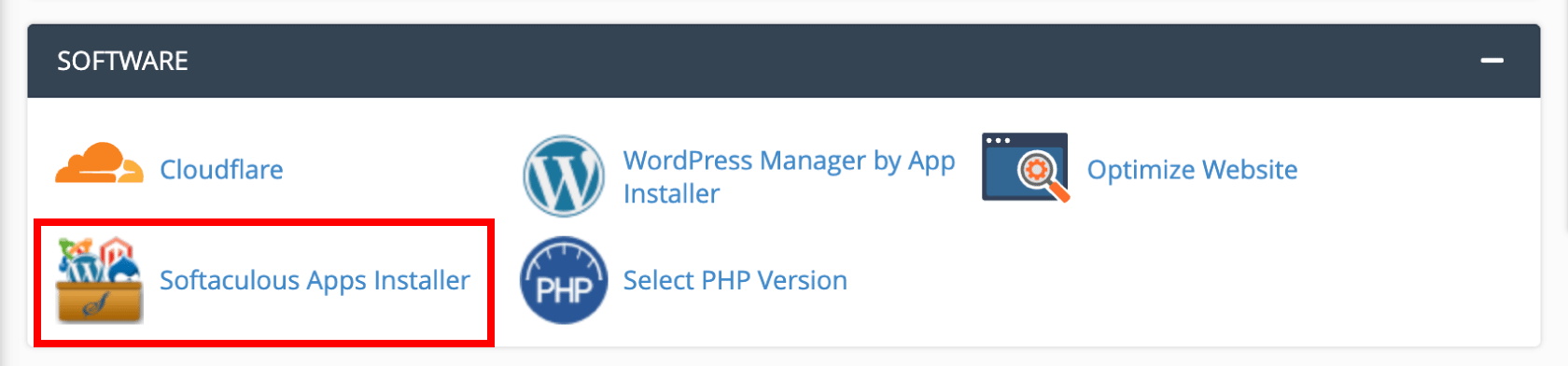
- Go back to the cPanel home and click Softaculous Apps Installer
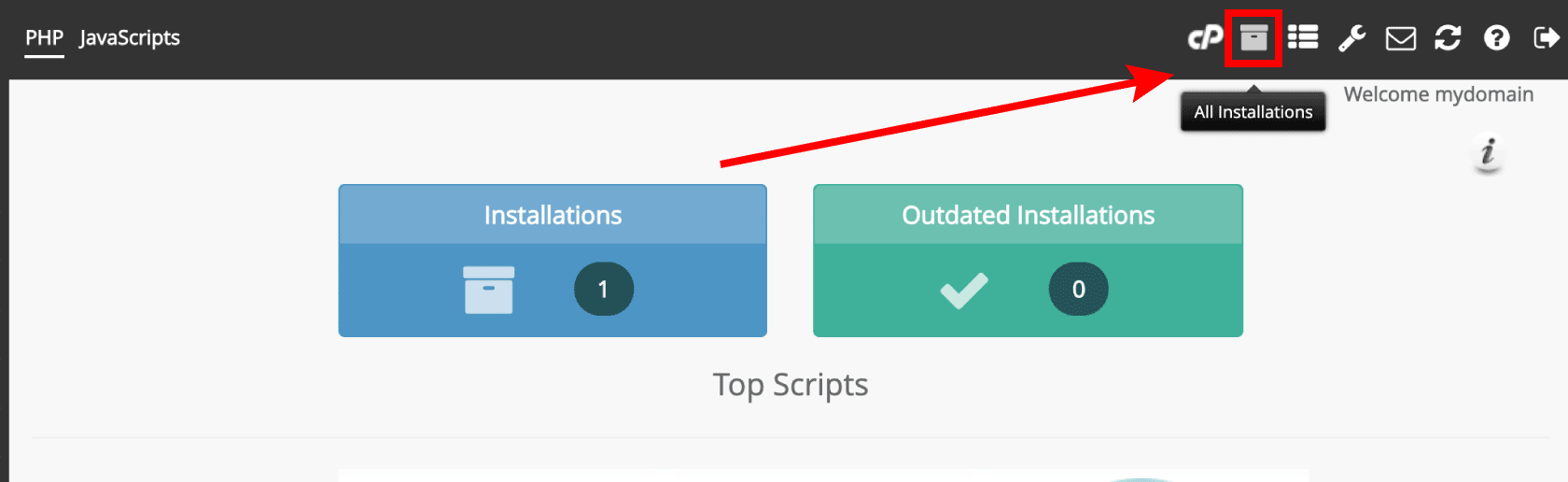
- Click All Installations
- Click Create Staging for the WordPress website you wish to create a copy of.
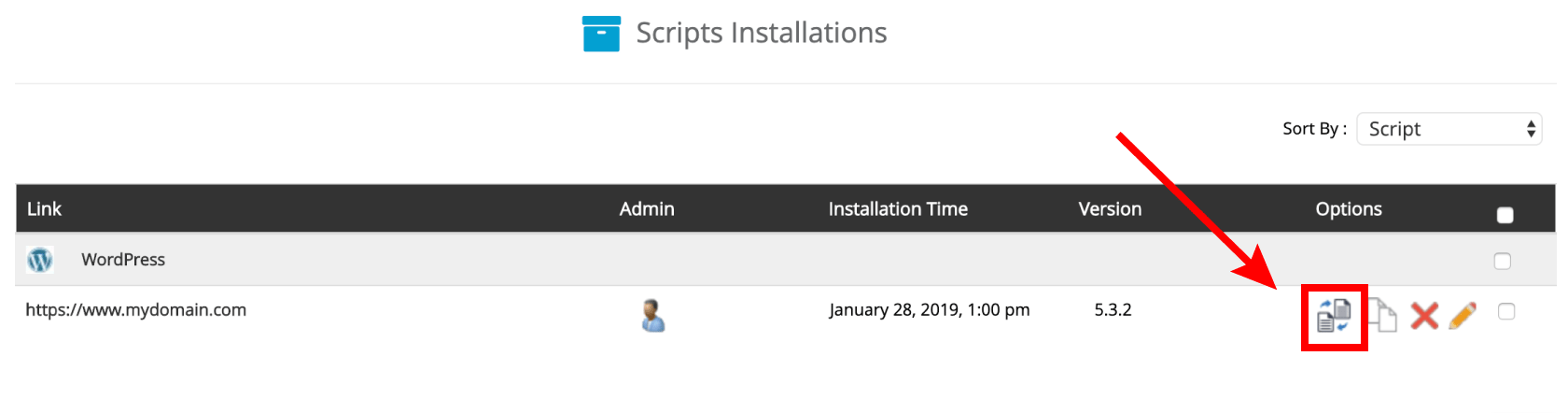
- Select the staging. subdomain you created in step 3 from the dropdown list. Click Create Staging