Exporting contacts
You can export contacts saved in your Ecenica Webmail address book as vCard data files.
Ecenica Webmail (2023 onwards)
- Open your browser
- Enter https://webmail.yourdomain.co.uk, or https://yourdomain.co.uk/webmail. Swapping yourdomain.co.uk with your own domain name. See How to login to Webmail
- Enter your email address, password and press Log In
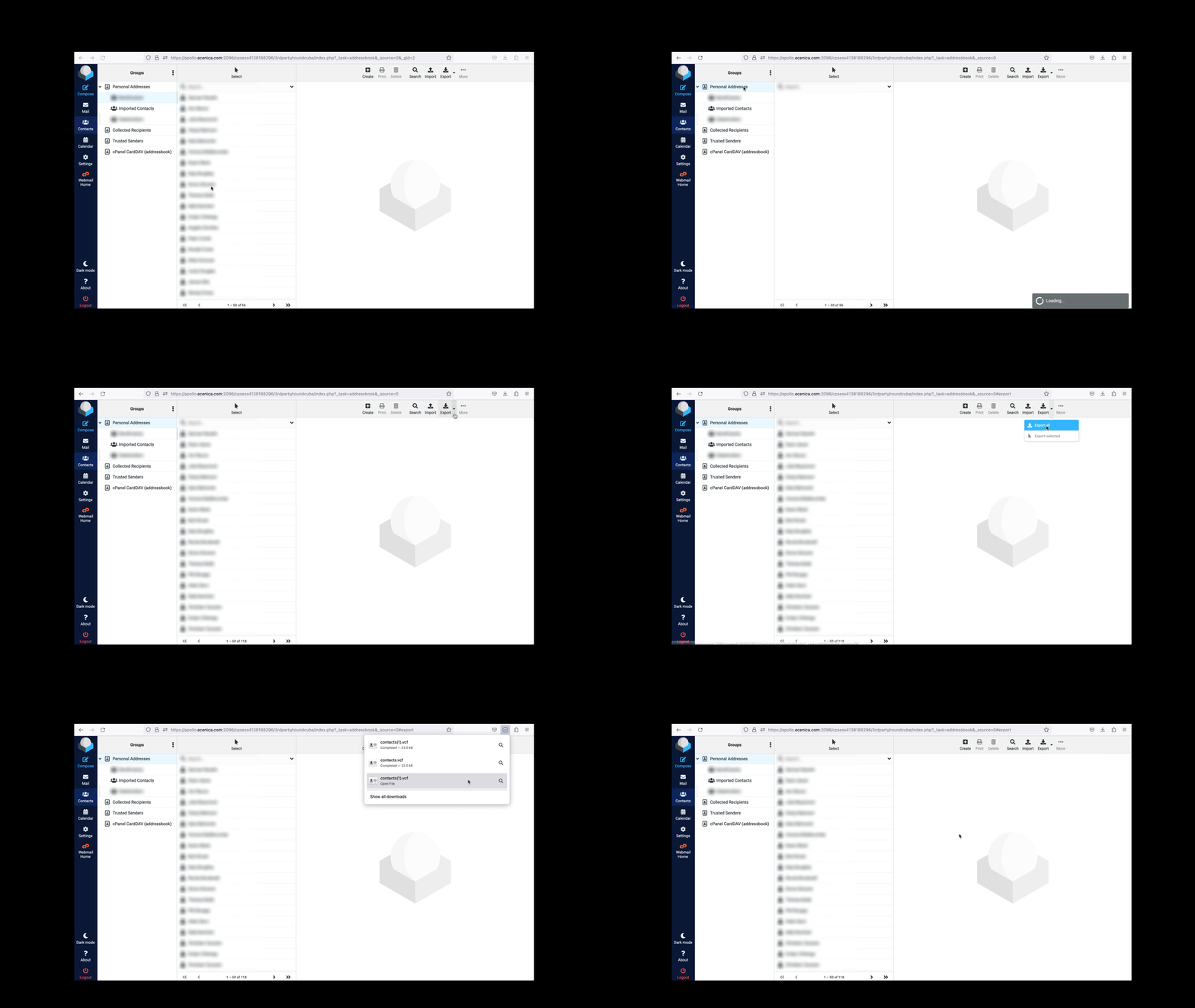
- From the main menu click Contacts
- Click the black arrow next to the Export button in the top menu and choose Export all
Your contact address book will now download as a single ‘contact.vcf’ file.
When you import the .vcf file into your chosen address book it should read and import the multiple contacts you’ve selected.
Legacy Ecenica Webmail
These steps are for our old webmail service.
- Log into Ecenica Webmail.
- In top menu, click Address Book
- Click on the contacts you wish to export. To export multiple contacts, press and hold down “ctrl” or “shift” when clicking on each contact.
- With your contacts highlighted, click the Export contacts in vCard format icon.
