Phishing emails are a growing threat in today’s digital world, designed to trick you into sharing sensitive information like login credentials or financial details. These deceptive messages often masquerade as urgent alerts from trusted services like Ecenica, other email providers, banks, or social media platforms.
But with the right knowledge and tools, you can protect yourself from falling victim. In this post, we’ll break down what phishing is, share key facts about its global impact, and offer practical steps to keep your Ecenica accounts secure.
For a deeper dive, check out our complete security guide on spotting and stopping phishing emails.
Who are Ecenica
Ecenica is a trusted UK-based web hosting provider with more than 20 years experience in delivering secure, reliable, and high-performance Managed WordPress Hosting solutions backed by expert support and cutting-edge security features.
What Is Phishing?
Phishing emails are fraudulent messages crafted to look like they come from a legitimate source. They often urge you to take immediate action with subjects like; “Your account is compromised!” or “Update your password now!”. They’e designed to raise your heart beat and trick you into clicking malicious links or sharing personal information. These emails might end up in your inbox or, more often, your Junk/Spam folder, and the sender’s address rarely matches the official domain of the company they claim to represent.
Your first thought might be “I’ve been hacked!”. The good news? Your account is likely safe if you don’t engage with these emails.Scammers don’t need to hack your account to target you. They often obtain email addresses from data breaches affecting third-party services, then use those addresses in bulk phishing campaigns targeting platforms like Gmail, Microsoft, or web hosting services.
Phishing by the Numbers: A Global and Regional Perspective
Sadly Phishing is a widespread problem affecting millions worldwide. Here are some key statistics to show just how pervasive it is:
- Globally: According to the 2025 Verizon Data Breach Investigations Report, phishing remains a top cause of data breaches, involved in 68% of incidents. In the first quarter of 2025, APWG Phishing Activity Trends Report observed 1,003,924 phishing attacks.
- United States: The FBI’s 2024 Internet Crime Report recorded over 300,000 phishing complaints in the U.S., with losses exceeding $1.2 billion. Phishing emails targeting financial institutions and cloud services were the most common.
- United Kingdom: The UK’s National Cyber Security Centre (NCSC) reported that phishing accounted for 83% of cyber-attacks reported in 2024. The NCSC’s Active Cyber Defence program removed over 140,000 phishing sites targeting UK users last year.
- Europe: The ENISA Threat Landscape 2024 report highlighted phishing as the leading cyber threat in the EU, with 70% of organisations experiencing at least one phishing attempt. Credential theft via phishing emails spiked by 20% in sectors like healthcare and finance.
These numbers show that phishing is a universal issue, but robust security measures and user awareness can significantly reduce the risk.
How to Spot a Phishing Email
Detecting a phishing email is the first step to staying safe. Here are common red flags to watch for:
| Check | Red Flags |
|---|---|
| Sender | Misspelled or unknown email address. Check the “From” field. Legitimate companies use official domains (e.g., support @ecenica.com), not random or misspelled variations (e.g., support@companny-service.net). |
| Subject | Urgent, threatening, or too good to be true |
| Greeting | Generic (“Dear Customer”) instead of your name. |
| Links | URL doesn’t match company site, shortened links. Be wary of unsolicited links or attachments, which may lead to malware or fake login pages. |
| Attachments | Unexpected files (.exe, .zip, .js, etc.). Be wary of unsolicited links or attachments, which may lead to malware or fake login pages. |
| Spelling/Logos | Poor grammar, low-quality branding. Many phishing emails contain typos or awkward phrasing, a sign they weren’t sent by a professional company. |
| Requests | Asks for passwords, webmail login, banking, or personal info |
| Urgency | Pressure to act immediately. Phishing emails often pressure you to act quickly, claiming your account is at risk or will be suspended. |
If an email lands in your Junk/Spam folder, that’s often a clue your email provider’s filters have already flagged it as suspicious.
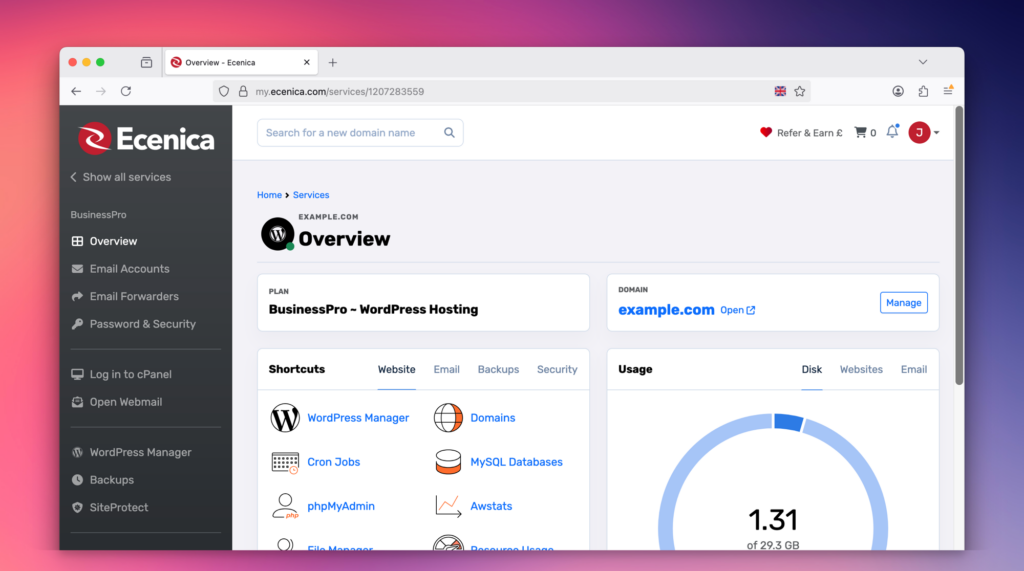
How Ecenica Keeps You Protected
At Ecenica, we take your security seriously. Our web hosting and email plans come with advanced features and robust protections to keep phishing attempts at bay:
- Ecenica Protect: Our AI-powered firewall and security suite scans all incoming and outgoing traffic in real time, automatically blocking suspicious IPs and login attempts before they reach your account.
- SPF and DKIM: These email authentication protocols verify your emails, reducing the risk of spoofing and ensuring your messages are trusted by recipients.
- Advanced Spam Filters: Constantly updated to catch the latest phishing tactics, our filters divert suspicious emails to your Junk folder, keeping your inbox clean.
- Daily Backups: Your email and hosting data are backed up daily, ensuring peace of mind even if something slips through.
- Expert Support: Our team, experienced in security systems, is available to assist with any concerns, from suspicious emails to setting up additional protections.
These features work seamlessly in the background, ensuring your email and hosting accounts are shielded from threats.
What You Can Do to Stay Safe
Protecting yourself from phishing is straightforward if you follow these steps:
- Don’t Engage: Never click links or download attachments in suspicious emails. If you’re unsure, contact the company directly through their official website.
- Verify the Sender: Always check the email address. Legitimate emails come from the company’s official domain.
- Enable Two-Factor Authentication (2FA): Adding 2FA to your accounts ensures that even if scammers get your password, they can’t access your account without the second verification step.
- Stay Vigilant: If something feels off about an email, trust your instincts and double-check before acting.
Why You Shouldn’t Panic
Receiving a phishing email doesn’t mean your account is compromised. Scammers often cast a wide net, using leaked email lists to target thousands of users at once. With Ecenica’s advanced security systems, like Ecenica Protect and spam filters, most threats are caught early, keeping your data safe. By staying cautious and following the steps above, you’re already ahead of the game.
Take Control with Ecenica Hosting
Phishing emails are a fact of life in the digital age, but with Ecenica’s secure hosting, you’re equipped with the tools to stay safe. From AI-driven security to expert support, our hosting plans are designed to protect your email and website while giving you peace of mind. Want to learn more about keeping your accounts secure? Check out our complete security guide on spotting and stopping phishing emails.
Ready to secure your online presence with advanced email features and robust protection? Visit Ecenica.com today to explore our hosting plans and start protecting your digital world!