Are you a small business owner or a beginner looking to drive more traffic to your WooCommerce store? If you’re hosting with Ecenica Managed WordPress Hosting, you’re already off to a great start! In this guide, we’ll walk you through simple, modern SEO strategies for 2025, plus other ways to get visitors to your site—like social media—all tailored for beginners. We’ll also show you how Ecenica‘s advanced web hosting features make it easier to grow your online store.

What is SEO and Why It Matters for Your WooCommerce Store
SEO, or Search Engine Optimization (or in British English, Search Engine Optimisation), is like a map that helps Google find your WooCommerce store and show it to people searching for your products. Imagine someone typing “best organic coffee beans” into Google—if your site is optimized, it could pop up on the first page, bringing in more customers without paying for ads. For WooCommerce stores built on WordPress, SEO is a game-changer because it’s free traffic that keeps growing over time.
In 2025, SEO is more important than ever, with over half of all website visits coming from search engines. Let’s dive into how you can use it, along with Ecenica’s tools, to get noticed.

Modern SEO Tips for WooCommerce in 2025
SEO is always evolving, and 2025 brings some fresh trends that beginners can use to their advantage. AI-powered tools like ChatGPT, Copilot, and Grok are changing the game—here’s how you can stay ahead:
- Write for People, Not Just Robots: Google’s getting smarter with AI, so focus on clear, helpful product descriptions and blog posts. Answer questions your customers might ask, like “How do I brew the perfect coffee?”
- Encourage Reviews: Ask happy customers to leave reviews on your product pages. These boost trust and help your site rank higher.
- Be Original: Don’t copy product descriptions from suppliers—write your own to stand out. Unique content is a big deal in 2025.
- Show You’re Trustworthy: Add a short “About Us” page or customer testimonials to prove you’re legit. Google loves this!
- Make It Mobile-Friendly: Most people shop on their phones, so your site needs to look great and load fast on mobile.
By blending AI-powered automation with human creativity, you can boost your WooCommerce store’s SEO while delivering a better shopping experience.

Simple SEO Steps for Your WooCommerce Store
SEO can be hard, often requiring dedicated experts and large budgets. However, you can still make a big impact with a few simple tasks. Ready to start? Here are some very easy steps to optimize your site:
- Find the Right Keywords: Think about what your customers search for—like “handmade leather wallets.” Use free tools like Google Keyword Planner to get ideas.
- Optimize Product Pages: Put your keywords in product titles (e.g., “Handmade Leather Wallet – Brown”), descriptions, and image names (e.g., “brown-leather-wallet.jpg”).
- Write Catchy Titles and Descriptions: For each page, create a short title (under 60 characters) and a description (under 160 characters) that includes keywords. Example: “Buy Handmade Leather Wallets – Fast Shipping!”
- Add a Blog: Write posts like “5 Tips for Choosing a Leather Wallet” to attract visitors and show expertise.
- Link Your Pages: Connect related products (e.g., link a wallet to a matching bag) so Google understands your site better.
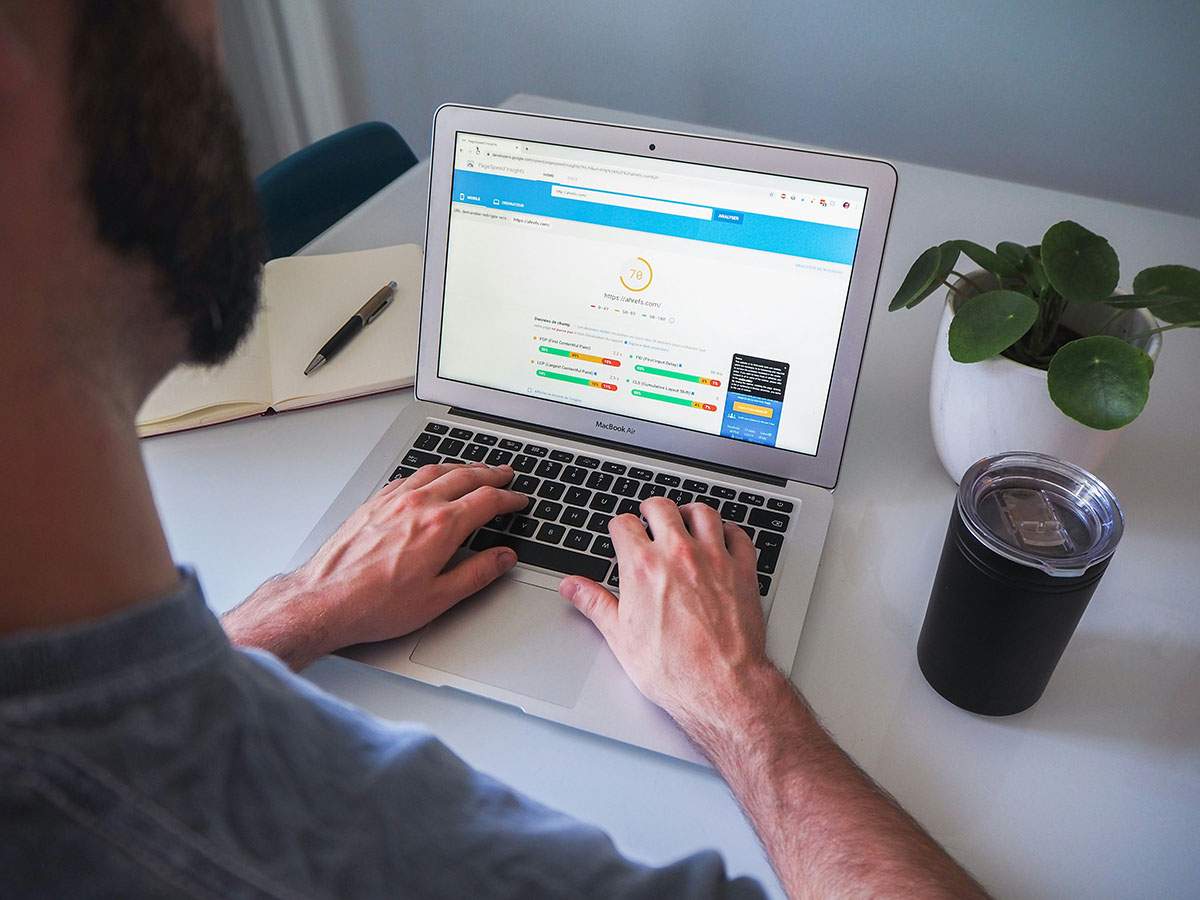
- Speed Things Up: A fast site keeps visitors happy and helps rankings—more on how Ecenica helps with this below!
How Ecenica Managed WordPress Hosting Boosts Your SEO
Ecenica Managed WordPress Hosting isn’t just about keeping your site online—it’s packed with features that make SEO and traffic growth easier for beginners:
- Automatic Updates: Your WordPress and WooCommerce stay current, so you’re always using the latest, SEO-friendly features without lifting a finger.
- WordPress Security: Ecenica SiteProtect, our advanced malware scanning and AI firewall, monitors your site for threats, keeping it safe and trustworthy—a big plus for Google rankings.
- Lightning-Fast Speed: With built-in LiteSpeed caching and high-speed CDN (Content Delivery Network), your WooCommerce site loads quickly everywhere, improving user experience and SEO.
- Backups You Can Count On: Daily backups, saved for up to 60 days means your site’s always ready to bounce back, keeping it live for visitors and search engines.
- Easy WordPress Plugin Setup: Install SEO helpers like Yoast SEO or Rank Math with a click to guide you through optimization.
- Expert Technical Help: Ecenica’s support team is here to answer technical questions to ensure your web hosting is runninbg smoothly.

Beyond SEO: Driving Traffic with Social Media and More
SEO is awesome, but it takes time. Here are other ways to get visitors to your WooCommerce store right away:
- Share on Social Media: Post your products on the platforms your audience uses most. TikTok is great for younger audiences, Instagram for visual storytelling, Facebook for community engagement, and LinkedIn for B2B sales. Use high-quality images, engaging captions, and links to your site. Reply to comments to build a loyal fan base!
- Start a Newsletter: Collect emails from visitors and send them updates or discounts. It’s a great way to bring people back.
- Try Paid Ads: Run small ads on Google or Instagram to get quick traffic while your SEO builds up.
- Team Up with Influencers: Find someone with followers who’d love your products and ask them to share your store.

Tracking Your Progress
How do you know it’s working? Use these free tools:
- Google Search Console: See what keywords people find you with and fix any site issues.
- Google Analytics: Check how many visitors you’re getting and where they’re coming from.
- Bing Webmaster Tools: Monitor your site’s performance on Bing, submit sitemaps, and get insights on search visibility.
- Raw logs: Download raw visitor logs from your Ecenica hosting plan for offline analysis, giving you deeper insights into visitor activity and traffic patterns.
Look at these once a month to see what’s improving and tweak as needed.
Get Started Today with Ecenica
Driving traffic to your WooCommerce store doesn’t have to be hard, especially with Ecenica Managed WordPress Hosting. Start with simple SEO steps like keywords and fast loading, use Ecenica’s features to keep things running smoothly, and sprinkle in some social media magic. Be patient—SEO grows slowly but surely—and soon you’ll see more customers finding your store.
