In this article we explain how to start building a website using Ecenica Kopage.
Before you start, you’ll need to have signed-up for one of our web hosting packages which include Kopage.
Steps to start building a website using Kopage
- Open Kopage. See How to access Kopage
- Select your domain you want to build a website from the drop-down list under Install New Website.
- Some Ecenica services include support for hosting multiple websites on different domains under a single web hosting plan.
- Click Install
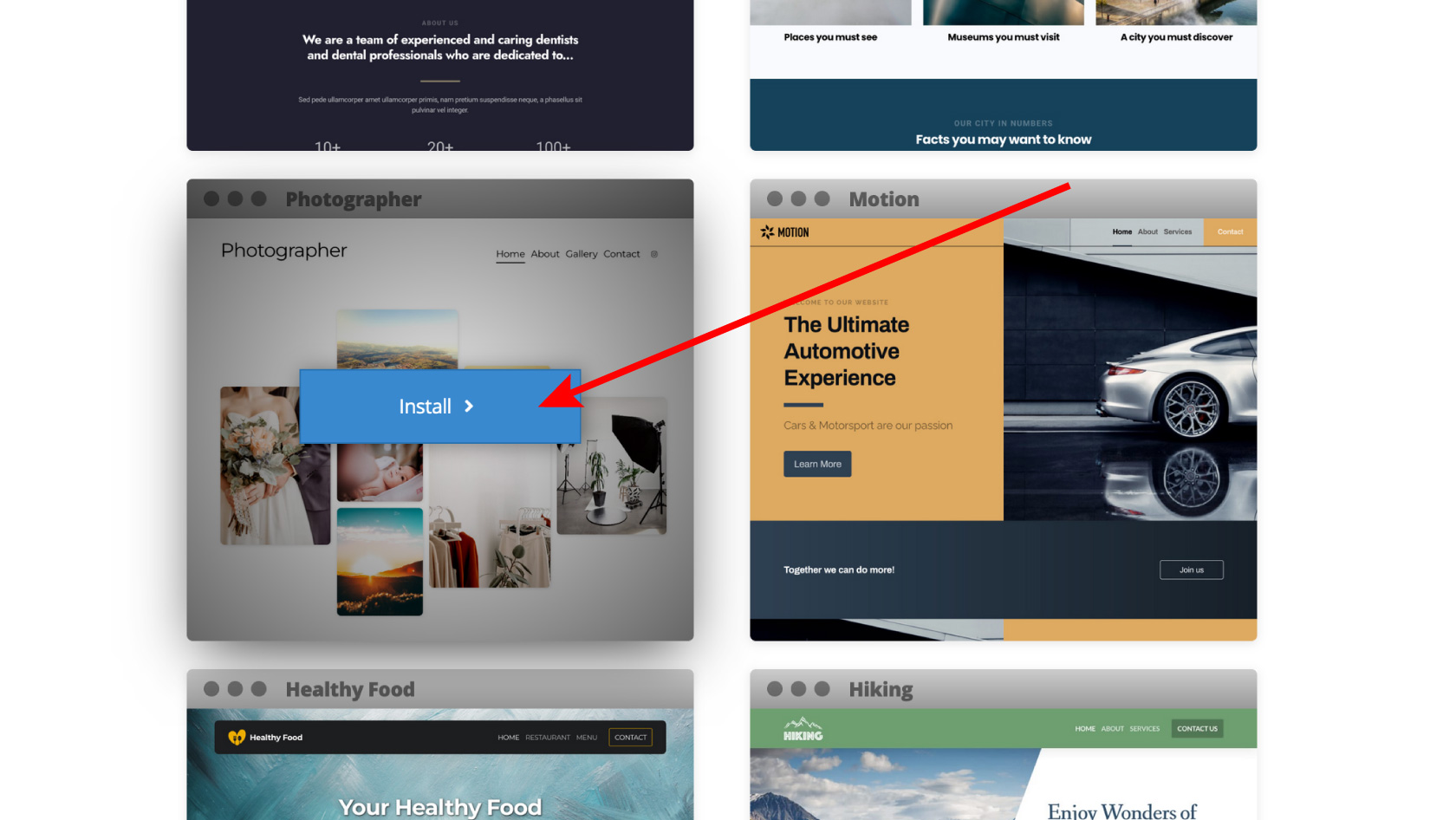
- Scroll down and choose the website template you’d like to start using. You can change it at anytime later. You can also change template images, colors, menu align and more. Hover your mouse over a design and click Install
- The Quick Start Wizard will open and ask you to fill in basic details such as your email, website name and address which it will use to pre-populate your chosen template.
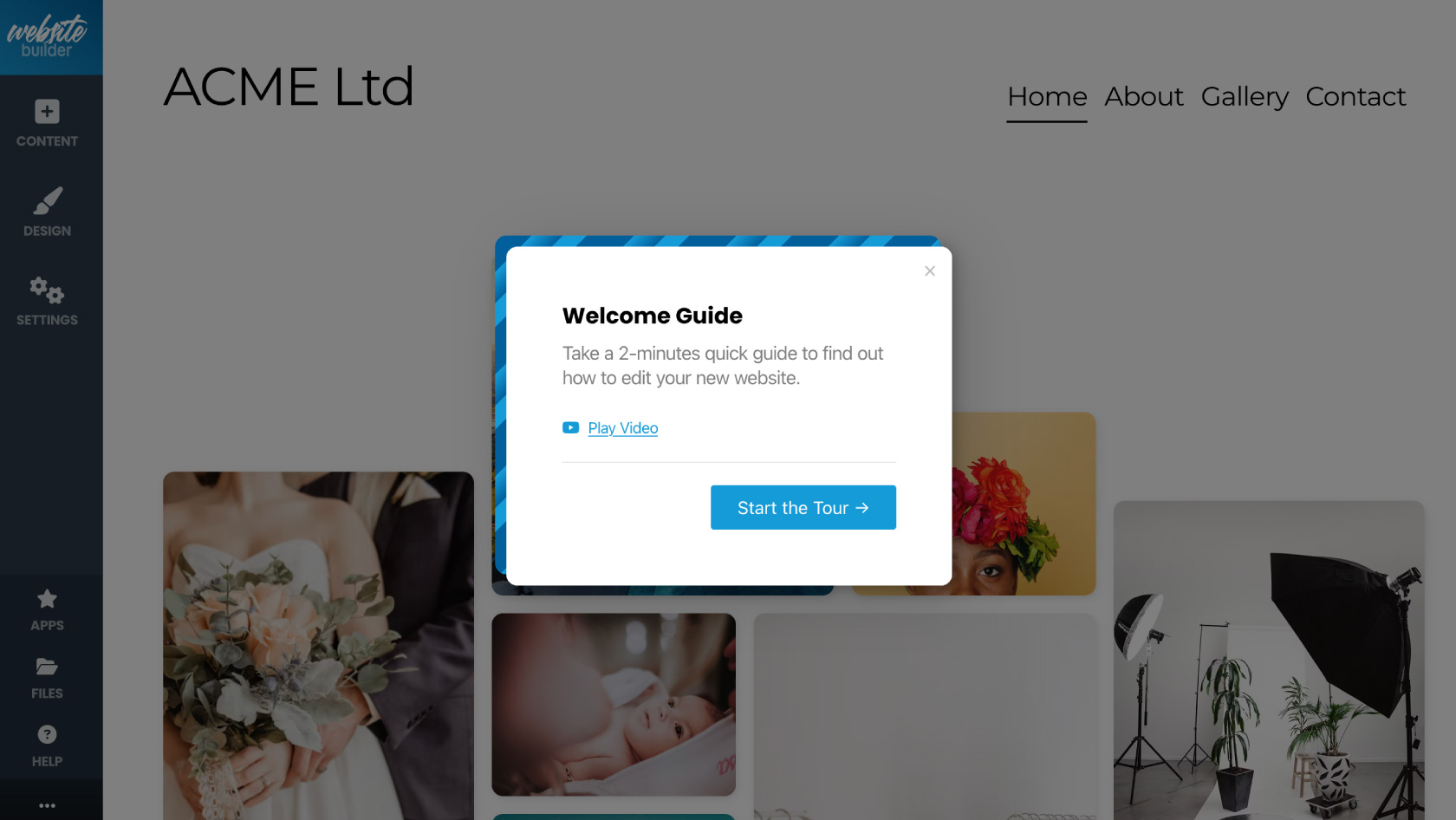
- Once the wizard has completed you can view a ‘Welcome Guide’ video which shows you how to edit your website and follow a quick tour of how to use Ecenica Kopage. Click Start the tour.
- Once the tour is complete, your new website is published and ready for use, and you can begin editing it to your needs.