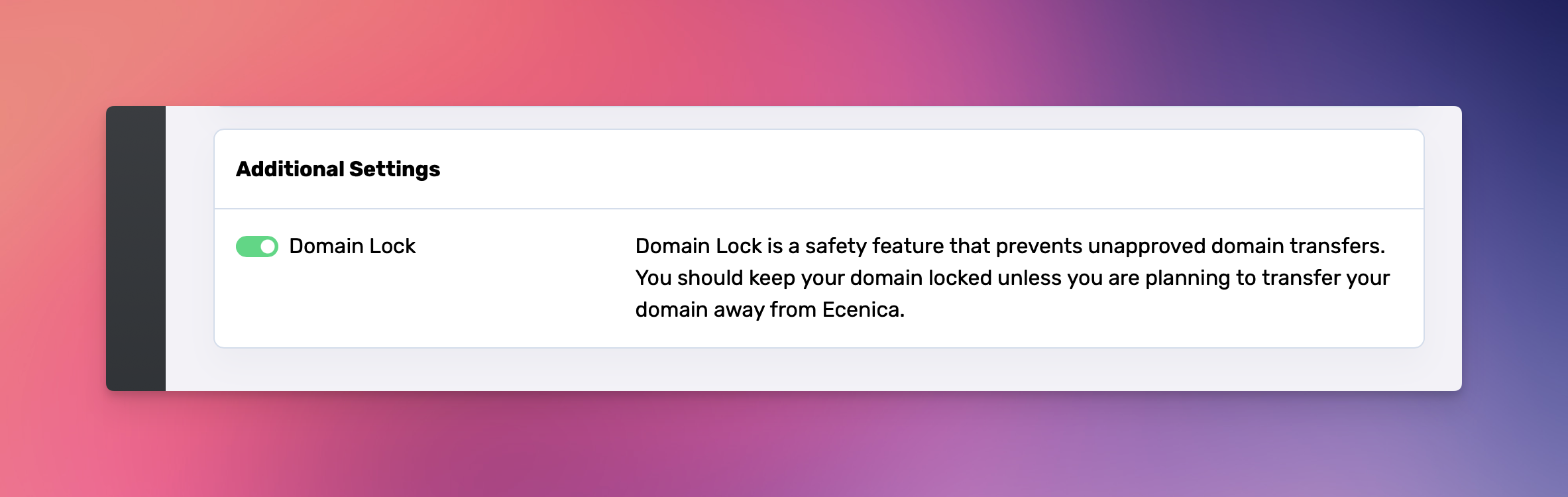
We keep your domains locked with our Ecenica TheftProtect by default to ensure your domains cannot be transferred to another registrar or account without your permission. To transfer your domain you need to unlock it.
- Log in to Ecenica Dashboard.
- Go to My Domains.
- Click a domain you wish to manage.
- From the menu, click Domain Settings
- Disable Domain Lock
In most cases, domains are immediately unlocked. However some TLDs may take a little longer so please allow at least an hour for your domain to be unlocked and TheftProtect to be removed.
